

Emmet for HTML: A Beginner's Guide to Writing Faster Markup
A practical beginner-friendly guide to using Emmet shortcuts to write HTML faster inside your code editor

Introduction
HTML likhna shuru karte hi ek cheez quickly feel hoti hai:
same structure baar-baar type karni padti hai.
For example:
opening tag
closing tag
nested boxes
repeated list items
class names
Aur beginner sochta hai:
"Itna manually likhna padega kya?"
Yahin Emmet useful hota hai.
What Emmet Is in Very Simple Terms
Emmet ek shortcut language hai jo HTML ko faster likhne mein help karti hai.
Simple words mein:
short likho, full HTML pao
Yeh mostly code editors ke andar kaam karta hai, jaise VS Code.
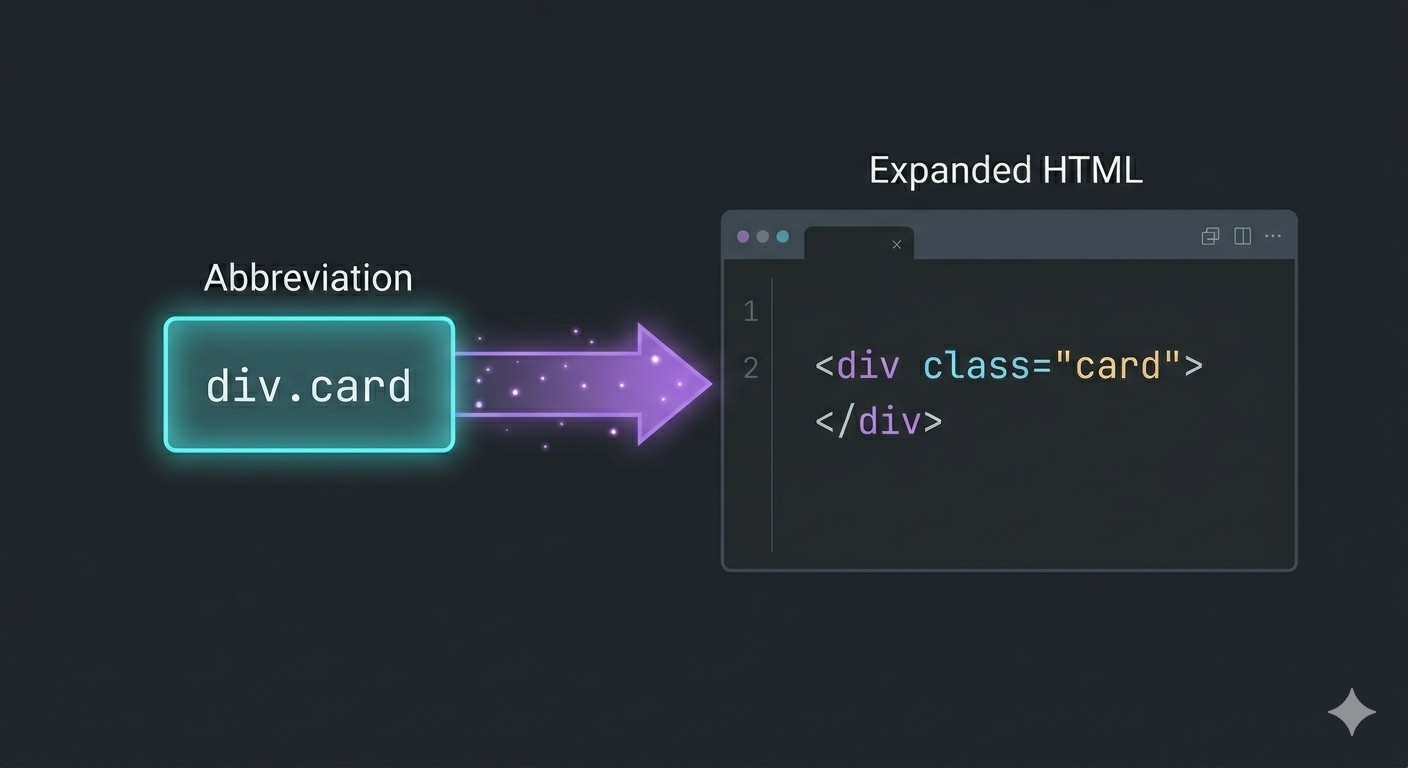
Tum abbreviation likhte ho, editor usse expand karke proper HTML bana deta hai.
Why Emmet Is Useful for HTML Beginners
Beginners ke liye Emmet useful hota hai because:
repetitive typing kam hoti hai
structure quickly likh paate ho
typos kam ho sakti hain
nesting samajhna easier ho sakta hai
Important point:
Emmet optional hai, but powerful hai.
HTML seekhne ka replacement nahi hai.
HTML likhne ko faster aur smoother banane ka tool hai.
How Emmet Works Inside a Code Editor
High-level flow simple hai:
abbreviation type karo
editor usse detect karta hai
expand command do
full HTML mil jaati hai
Example:
div
Expand hone ke baad:
<div></div>
VS Code mein ye experience kaafi smooth hota hai, isliye beginners ko commonly wahi recommend kiya jaata hai.
Basic Emmet Syntax
Chalo one by one basic daily-use patterns dekhte hain.
Creating HTML Elements
p
Expands to:
<p></p>
Aur:
h1
Expands to:
<h1></h1>
Adding Classes
div.container
Expands to:
<div class="container"></div>
Dot . class ko represent karta hai.
Adding IDs
section#hero
Expands to:
<section id="hero"></section>
Hash # ID ko represent karta hai.
Adding Attributes
Simple beginner examples:
input[type="text"]
Expands to:
<input type="text">
Yani Emmet ke through sirf tag hi nahi, attributes bhi generate kiye ja sakte hain.
Creating Nested Elements
Child relationship ke liye > use hota hai.
div>p
Expands to:
<div>
  <p></p>
</div>
Isse nested structure quickly ban jaati hai.
Repeating Elements with Multiplication
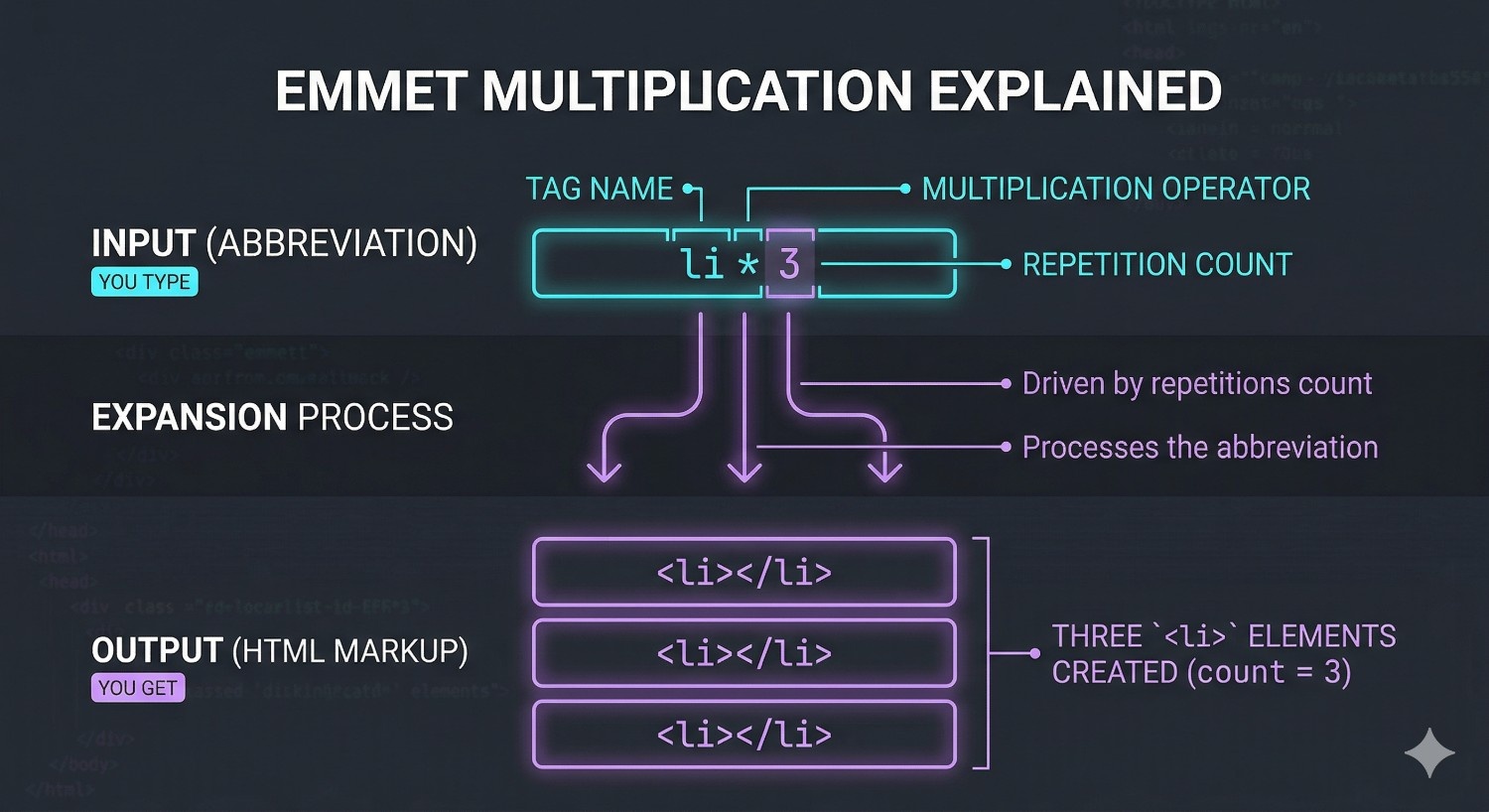
Multiplication ke liye * use hota hai.
li*3
Expands to:
<li></li>
<li></li>
<li></li>
Ye especially list items aur repeated boxes mein kaafi useful hota hai.
A More Useful Daily Example
ul>li.item*3
Expands into a list structure with nested repeated items.
Ye small cheez lag sakti hai, but daily HTML writing mein time bacha deti hai.
Side-by-Side Example
Without Emmet:
<div class="card">
  <h2></h2>
  <p></p>
</div>
With Emmet idea:
div.card>h2+p
Yeh side-by-side comparison beginners ke liye bahut useful hoti hai because speed difference instantly feel hota hai.
Generating Full HTML Boilerplate
Emmet ka ek popular use full HTML boilerplate banana bhi hai.
Commonly:
!
Editor expand karke full basic HTML structure generate kar sakta hai.
Ye beginner ke liye helpful hai jab quickly page start karna ho.
Why Beginners Should Still Learn HTML Properly
Yeh bahut important warning hai.
Agar HTML structure samjhe bina sirf Emmet use karoge, toh speed aa sakti hai but understanding weak reh sakti hai.
Best approach:
pehle structure samjho
phir Emmet ko speed tool ki tarah use karo
Yani Emmet helper hai, replacement nahi.
Daily Use Patterns Worth Practicing
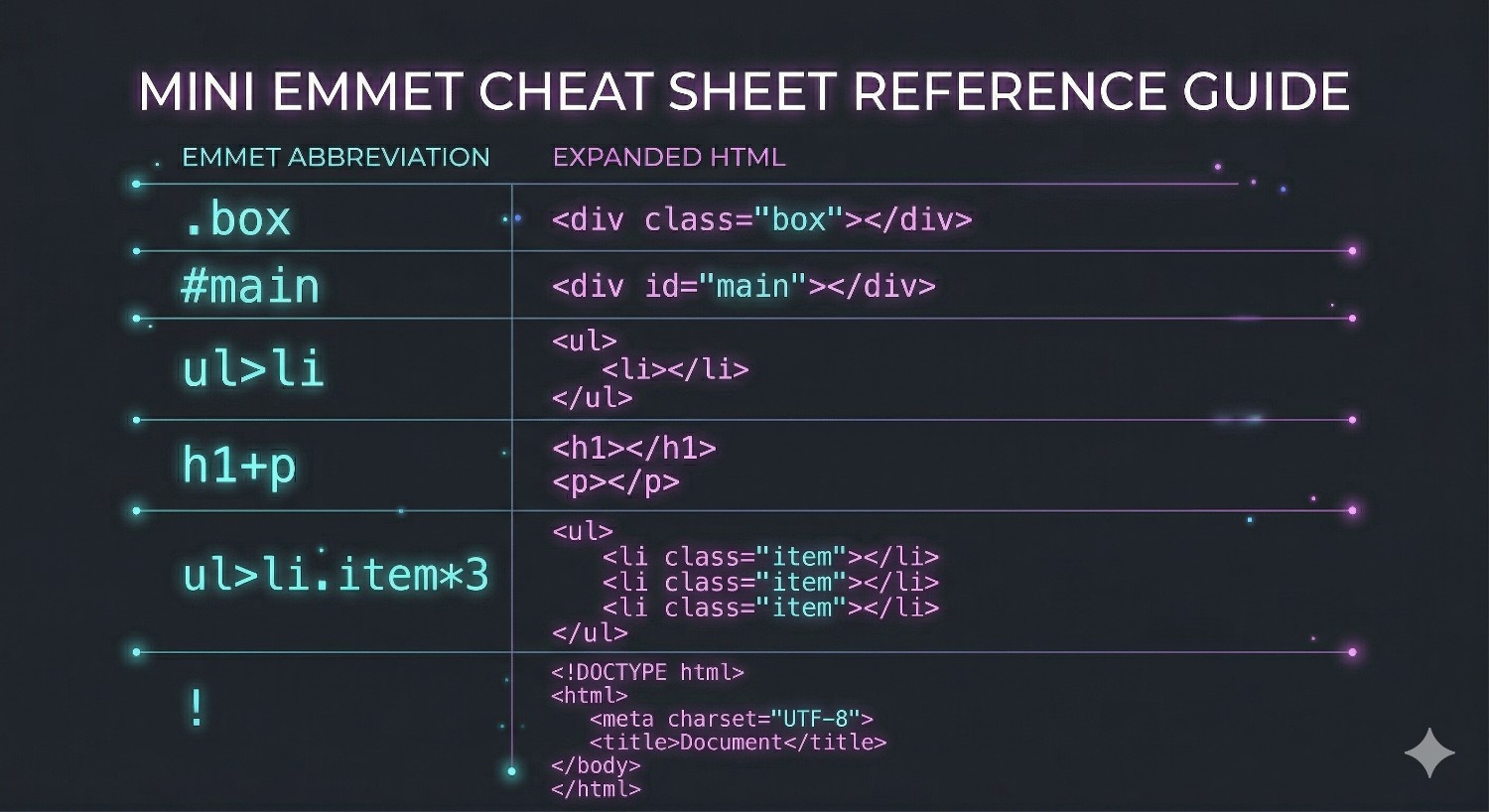
Beginner ke liye ye patterns enough strong start hain:
single element
class
ID
attributes
nesting with
>siblings with
+multiplication with
*boilerplate with
!
Inhe try karke dekhna best learning method hai.
Summary
Emmet HTML likhne ke liye shortcut language hai
ye code editor ke andar abbreviations ko full markup mein expand karta hai
beginners ke liye speed aur structure dono mein helpful ho sakta hai
class, ID, attributes, nesting, multiplication, aur boilerplate generation important basic patterns hain
Emmet optional hai, but daily use mein powerful tool ban sakta hai
Final Thought
Emmet ka best use tab hota hai jab tum HTML structure samajh chuke ho.
Phir manual typing kam hoti hai, speed badhti hai, aur workflow noticeably smoother lagne lagta hai.


